Stop Designing from Scratch: Master Etsy with 200 Canva Mockups
If you run a digital shop on Etsy, you know the struggle. You have the product—maybe a beautiful printable planner, a set of social media templates, or a comprehensive wedding suite. The design work is done, but you still face the biggest hurdle: making it look tangible, valuable, and professional in your listing. A flat PDF file doesn't inspire clicks. You need a mockup that tells a story, but creating one for every single product is a time-consuming nightmare. This is where a dedicated system changes everything. The 200 Etsy Listings Mockup Canva Bundle isn't just a collection of images; it's a strategic toolkit designed to transform how you present your digital products, saving you countless hours while elevating your shop's entire visual identity.
What Exactly Is This Massive Mockup Bundle?
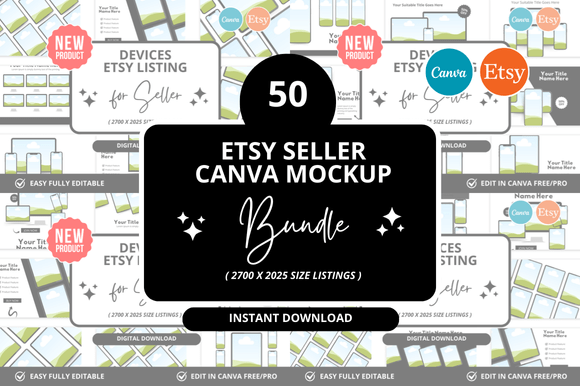
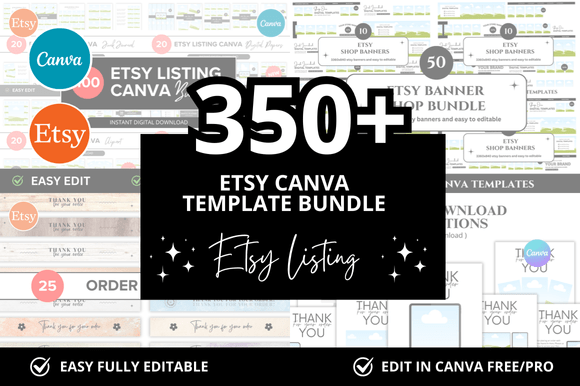
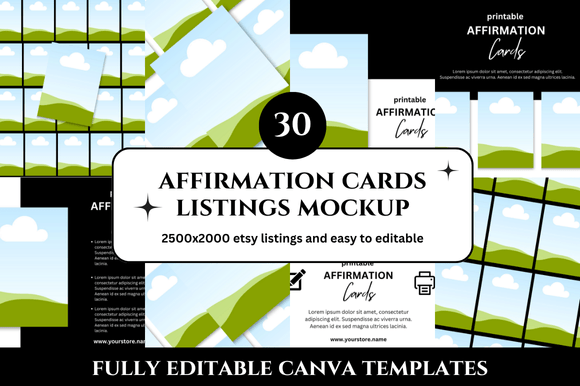
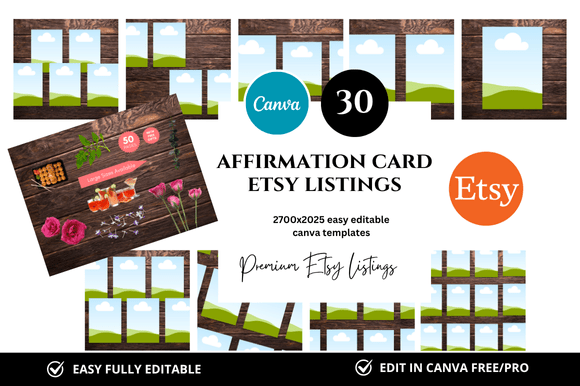
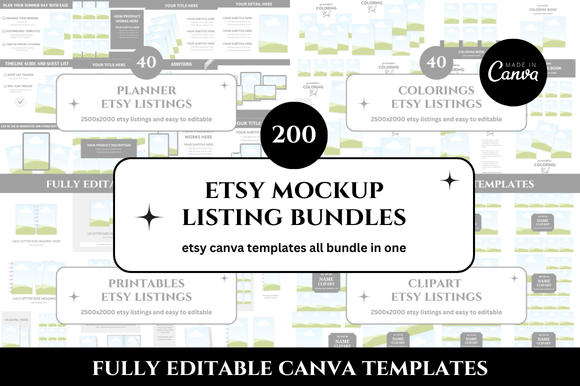
At its core, this is a curated library of 200 unique, customizable mockup templates built specifically for Canva. Each template is designed at a crisp 2500 x 2000 pixel resolution, ensuring your listings look sharp on every screen. But what does "customizable" really mean here? It means you're not just getting static images. You receive a direct link to Canva templates where you can seamlessly integrate your own digital product designs. Imagine placing your Etsy Banner design onto a stylishly angled tablet screen in a clean, minimalist workspace, or showing your printable planner pages fanned out on a modern desk. The bundle includes a diverse range of scenarios—from flat lays with coffee cups and stationery to device mockups and clean, isolated product shots. The personality is consistently professional, modern, and versatile, with a clean aesthetic that lets your actual product shine without distracting backgrounds or overly trendy elements that might date quickly.
The Real-World Impact on Your Etsy Shop and Brand
Why does this matter beyond just having a "nice picture"? Consistency is a cornerstone of brand recognition. Using this bundle allows you to establish a cohesive visual language across your entire shop. Your listings start to feel like they belong together, which builds trust with potential buyers. When a shopper sees a professional, well-lit mockup that clearly shows the product's context and quality, their perception of its value increases. It influences readability—not of text, but of the product's purpose. A mockup of a digital planner on an iPad instantly communicates "digital product," while the same planner shown as printed pages on a clipboard communicates "printable." This clarity is crucial for visual hierarchy in your search results. Your listing thumbnail needs to communicate value in a split second, and a compelling mockup does exactly that.
This bundle is an asset for a wide range of creators. If you're a seller of Etsy Printables, you can showcase your planners, wall art, and invitations in realistic settings. Digital product sellers can display social media templates, Canva templates, or website themes on various devices. Even content creators and bloggers can use these mockups to promote their digital freebies or paid resources on other platforms. It’s not just for Etsy covers; think about your Pinterest pins, Instagram stories, or blog post graphics. The versatility extends to creating a unified brand identity across all your marketing channels, making your digital business look established and credible from the very first click.
Practical Guidance: Choosing and Using Your Mockups
With 200 options, the key is intentional selection. Don't just pick the first one you like. Start by considering your product's personality. Is it minimalist and modern? Choose mockups with clean lines, neutral backgrounds, and simple props. Is it vibrant and playful? Look for templates with colorful accents or more dynamic angles. The goal is for the mockup to complement your design, not compete with it. Treat this process like a font pairing exercise in editorial design—the mockup is the supporting typeface that lets your main product (the headline) take center stage.
Once you've selected a template, the customization in Canva is straightforward. You'll click the provided link, which copies the template to your Canva account. From there, you simply click on the placeholder image (your product's screen or page) and upload your own file. A pro tip: pay attention to the mockup's lighting and shadows. If your product design has a white background, ensure it blends naturally. Use Canva's editing tools to adjust the brightness or contrast of your inserted design to match the mockup's environment. This small step makes a huge difference in creating a seamless, professional final image.
Remember, these are design assets. Use them to build a library of listing images. Create a primary image that is a clean, clear product view, and secondary images that show the product in use or detail shots. This approach not only makes your listing more engaging but also answers potential buyer questions before they're asked. For a printable bundle, you might show the entire collection spread out, then zoom in on specific pages. This practical application turns a static listing into a persuasive sales tool, enhancing audience engagement and ultimately, conversion.
Beyond the Listing: A Foundation for Growth
Think of the 200 Etsy Listings Mockup Canva Bundle as more than a quick fix. It's a foundational asset that grows with your business. The time you save on creating individual mockups from scratch—time that could easily add up to hours each week—can be reinvested into creating new products, marketing, or refining your customer experience. The clean, professional look it provides becomes synonymous with your shop, helping you stand out in a crowded marketplace. Whether you're a seasoned Etsy Seller looking to refresh your shop or a new digital entrepreneur building your first listings, this bundle provides the visual credibility you need to succeed. It’s a practical, powerful tool for anyone serious about presenting their digital work with the polish it deserves.